

Hotjar helps website owners understand how people interact with their websites. It can show where visitors click, how far they scroll, and how they move through a page. These insights can help businesses improve user experience and identify website problems.
However, not every visitor is comfortable with behavioral tracking. Some users prefer to control how their browsing activity is collected and may choose to block Hotjar tracking on your website.
This guide explains what Hotjar does, why some users block it, how Hotjar tracking can be limited, and what website owners should do to balance analytics with user privacy.
What Is Hotjar?
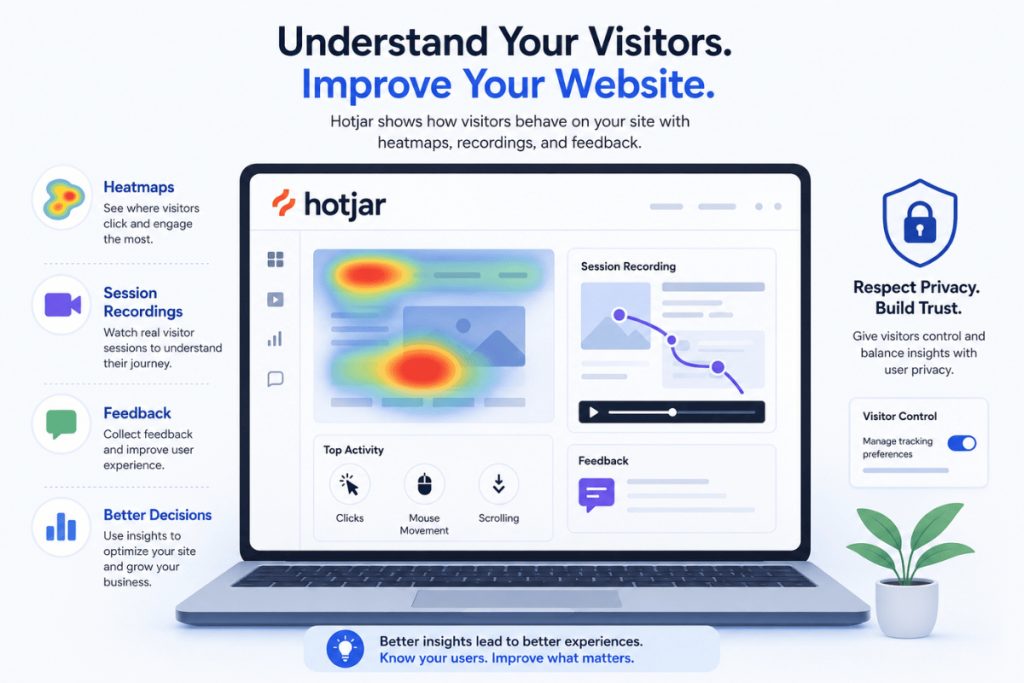
Hotjar is a website behavior analytics platform. Website owners use it to understand how visitors interact with their pages.
Its tools can help businesses analyze:
- Click behavior
- Mouse movement
- Scrolling activity
- Session behavior
- User feedback
- Website usability
Heatmaps can show areas of a page that receive more attention, while session recordings can help website owners understand how visitors move through a website.
For businesses, behavioral insights can support better decision-making when combined with other data sources.
What Does Hotjar Track?
Hotjar is designed to help website owners understand how people use a website. Depending on the website configuration, behavioral data can include information about visitor interactions.
This may include:
- Mouse movements
- Clicks
- Scrolling behavior
- Page navigation
- Session activity
- Browser information
- Device details
- Screen or viewport information
The purpose of this data is generally to identify usability issues and understand how visitors interact with website content.
For example, a business may discover that visitors are clicking on an element that is not clickable or leaving an important page before completing an action.
However, website behavior data is most useful when it is accurate and properly managed. Businesses should also focus on data quality so that important decisions are based on reliable information.
Why Do Some Users Block Hotjar Tracking?
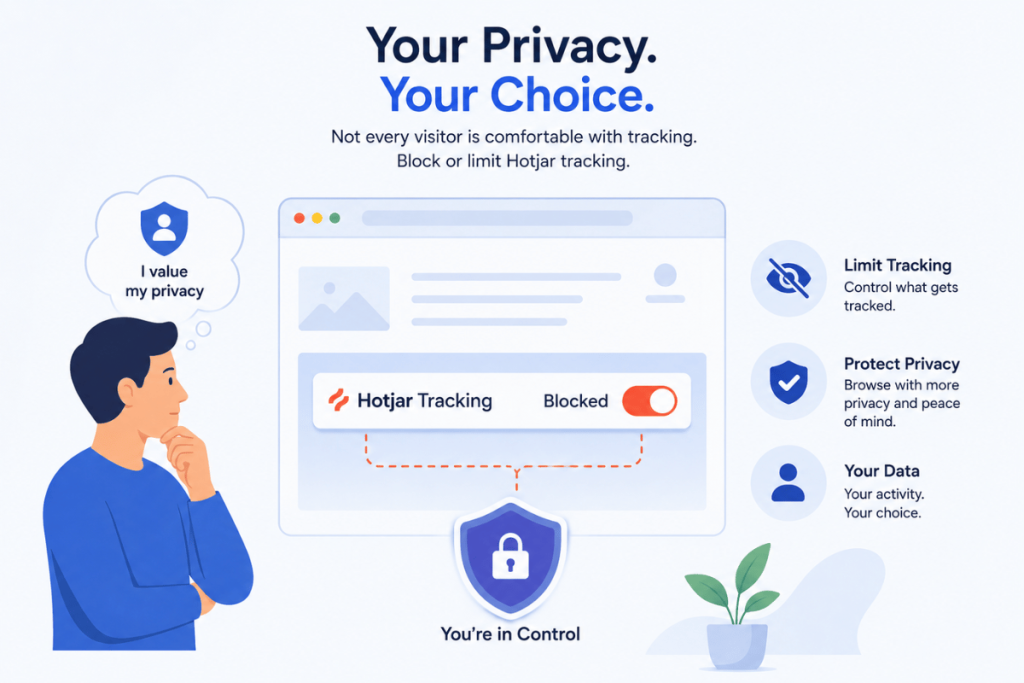
Different users have different expectations about online privacy. While some visitors are comfortable with website analytics, others prefer to reduce behavioral tracking.
Here are some common reasons.
Privacy Concerns
Some users do not want their interactions on a website to be analyzed through session recordings or similar behavioral tools.
Even when website owners use privacy controls, visitors may still prefer to limit the amount of information connected to their browsing activity.
Avoiding Session Recordings
Session replay technology can feel more personal than standard website analytics.
Basic analytics may show that a page received 1,000 visits. Session recordings, on the other hand, focus more closely on how visitors interact with individual pages.
For this reason, some privacy-focused users choose to block session recording tools.
More Control Over Browsing Activity
Many users want greater control over the technologies operating in their browser.
They may use:
- Privacy-focused browsers
- Content blockers
- Browser tracking protection
- Cookie preference tools
- Privacy extensions
Blocking Hotjar can simply be part of a wider privacy strategy.
Reducing Third-Party Scripts
Some visitors prefer to limit unnecessary third-party scripts.
This may be related to privacy, browser preferences, or website performance.
How to Block Hotjar Tracking on Your Website
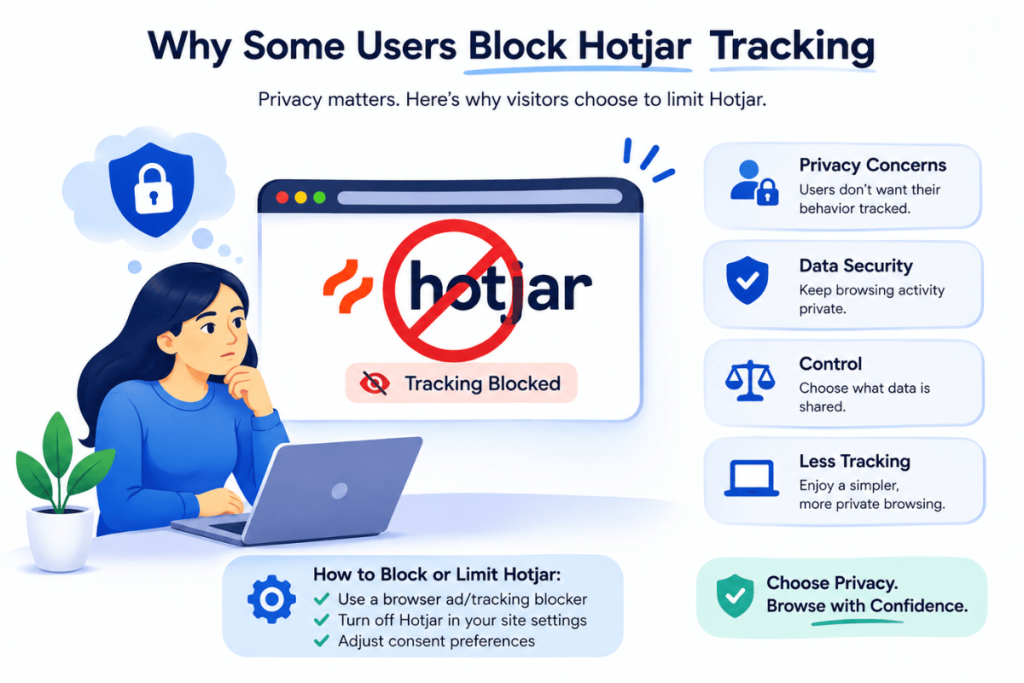
There are different ways users may limit Hotjar tracking. The available option can depend on the browser, privacy settings, and the specific website.
Use Hotjar’s Do Not Track Option
Hotjar provides a Do Not Track option for users who do not want Hotjar to collect information about their activity.
Users can choose the appropriate privacy option based on their browser and preferences.
This approach gives users more control over whether their website activity is processed by Hotjar.
Enable Browser Privacy Settings
Some browsers include privacy and tracking protection settings.
Depending on the browser, users may be able to limit certain tracking technologies or enable privacy preferences.
Browser support can vary, so users should review the privacy settings available in the browser they are using.
Review Cookie Consent Preferences
Many websites provide cookie banners or privacy preference centers.
Users may be able to:
- Reject optional tracking
- Change privacy preferences
- Withdraw previously given consent
- Limit analytics technologies
The available options depend on how the website has configured its consent system.
Website owners should make these choices clear and easy to understand.
Use a Privacy or Content Blocking Tool
Privacy-focused browser tools may block certain third-party tracking scripts.
These tools can help users control what loads when they visit websites.
However, users should understand that blocking scripts can sometimes affect website features. Some website tools may support forms, personalization, analytics, or other functionality.
The impact depends on the website and the blocking rules being used.
Does Blocking Hotjar Affect the Website?
Blocking Hotjar does not usually stop a website from functioning.
However, it can reduce the behavioral information available to the website owner.
For example, the business may receive less information about:
- User clicks
- Scrolling patterns
- Session recordings
- Navigation problems
- Website usability issues
This means analytics reports may not represent every visitor who accesses the website.
Website owners should understand that analytics data is never guaranteed to capture every interaction.
Regular system reviews can help businesses understand whether their reporting and technology setup is still effective.
Hotjar Blocking vs. Website Owner IP Blocking
It is important to understand the difference between a visitor blocking tracking and a website owner excluding internal activity.
User Blocking
User blocking happens when a visitor chooses to prevent or limit Hotjar from processing their browsing activity.
This is usually based on privacy preferences.
Website Owner IP Blocking
IP blocking is different.
Website owners may exclude their own internal traffic from analytics. This can be useful when employees, developers, or testers regularly visit the website.
For example, a company may not want employee activity to appear in behavioral analytics because it could affect the accuracy of the data.
Separating internal activity from customer activity can help businesses maintain cleaner reporting.
Why Website Owners Should Respect Tracking Preferences
Website analytics can provide useful information, but user trust should always be considered.
Visitors should understand what technologies are being used and have access to relevant privacy choices.
Be Transparent About Tracking
Website owners should clearly explain their tracking practices.
Privacy policies and consent messages should help users understand:
- What information may be collected
- Why the information is collected
- Which technologies are used
- What privacy choices are available
Clear communication can improve trust.
Use Appropriate Consent Practices
Privacy requirements can vary depending on location, audience, and the technologies being used.
Businesses should review the requirements that apply to their websites rather than using the same approach for every situation.
Make Privacy Choices Easy
Visitors should not have to search through multiple pages to understand their privacy options.
Simple and clear controls can create a better user experience.
Strong privacy practices should also be supported by good security controls.
Best Practices for Using Hotjar Responsibly
Website owners can use behavioral analytics while still respecting user privacy.
Consider these best practices:
1. Explain Your Tracking Clearly
Tell visitors about the analytics technologies used on your website.
2. Review Privacy Settings
Check how your analytics tools are configured and make sure privacy controls are properly implemented.
3. Collect Only Useful Information
Avoid adding tracking tools simply because more data is available.
Focus on information that supports real business decisions.
4. Review Third-Party Scripts
Regularly check which scripts are running on your website.
Remove tools that are no longer needed.
5. Test Privacy and Consent Controls
Make sure users can actually use the privacy options provided.
6. Keep Website Policies Updated
Privacy information should reflect the technologies currently being used.
Businesses should also regularly review permissions and access controls across their systems.
How Website Owners Can Improve Analytics Without Overtracking
Collecting more information does not always lead to better decisions.
A smarter strategy is to collect meaningful information and combine it with other sources of feedback.
Instead of tracking everything, focus on information connected to real goals.
Focus on Important Metrics
For example:
- Form submissions
- Conversion rates
- Important page engagement
- Checkout abandonment
- Navigation problems
Combine Analytics With User Feedback
Analytics can show what visitors are doing, but direct feedback can provide additional context.
Businesses can use:
- Customer surveys
- Feedback forms
- Support conversations
- Usability testing
- Customer feedback
Reduce Unnecessary Tools
Too many third-party scripts can make websites more difficult to manage.
A regular review can help identify tools that are no longer providing value.
Maintain Data Quality
The goal should be to collect useful information, not simply more information.
Does Blocking Hotjar Stop All Website Tracking?
No.
Blocking Hotjar does not automatically block every tracking technology used by a website.
A website may also use:
- Web analytics platforms
- Advertising technologies
- Conversion tracking tools
- Cookie-based tracking
- Customer experience platforms
- Other third-party services
Each tool may have different privacy settings and opt-out options.
Users who want more control over website tracking may need to review each technology separately.
Final Thoughts
Knowing how to block Hotjar tracking on your website can help users understand their privacy choices and give website owners a better understanding of why some visitor data may be missing.
Some users block Hotjar because of privacy concerns. Others may prefer to avoid session recordings, reduce third-party scripts, or maintain greater control over their browsing activity.
For website owners, the goal should not simply be to collect as much data as possible. A better approach is to collect meaningful information responsibly, provide clear privacy choices, and respect visitor preferences.
Businesses should also regularly review their technology environment to avoid unnecessary complexity.
A strong digital strategy balances useful analytics with transparency, privacy, security, and user trust.
FAQs
How do I block Hotjar tracking?
You can limit Hotjar tracking by using its Do Not Track option, reviewing browser privacy settings, managing website consent preferences, or using a privacy-focused content blocker.
Why do some users block Hotjar?
Users may block Hotjar because of privacy concerns, session recording preferences, third-party tracking concerns, or a desire for greater control over their browsing activity.
Does blocking Hotjar affect website functionality?
In many cases, the website can continue working normally. However, blocking certain scripts may affect features depending on how the website has been built.
Does blocking Hotjar stop all tracking?
No. Websites may use multiple analytics and tracking technologies. Blocking Hotjar only affects Hotjar-related tracking.
Can website owners exclude their own activity from Hotjar?
Website owners can use internal traffic exclusion options, such as IP blocking, to help prevent employee or tester activity from affecting analytics data.
Should website owners provide privacy choices?
Website owners should review the privacy and consent requirements that apply to their audience and provide clear information about how website tracking technologies are used.